

Reads your build
Your champion’s kit, current augments, items, and lobby can change which option fits.
League of Legends Arena
See which augments and items fit the build you’re playing, right when you have to pick.
Public download coming soon
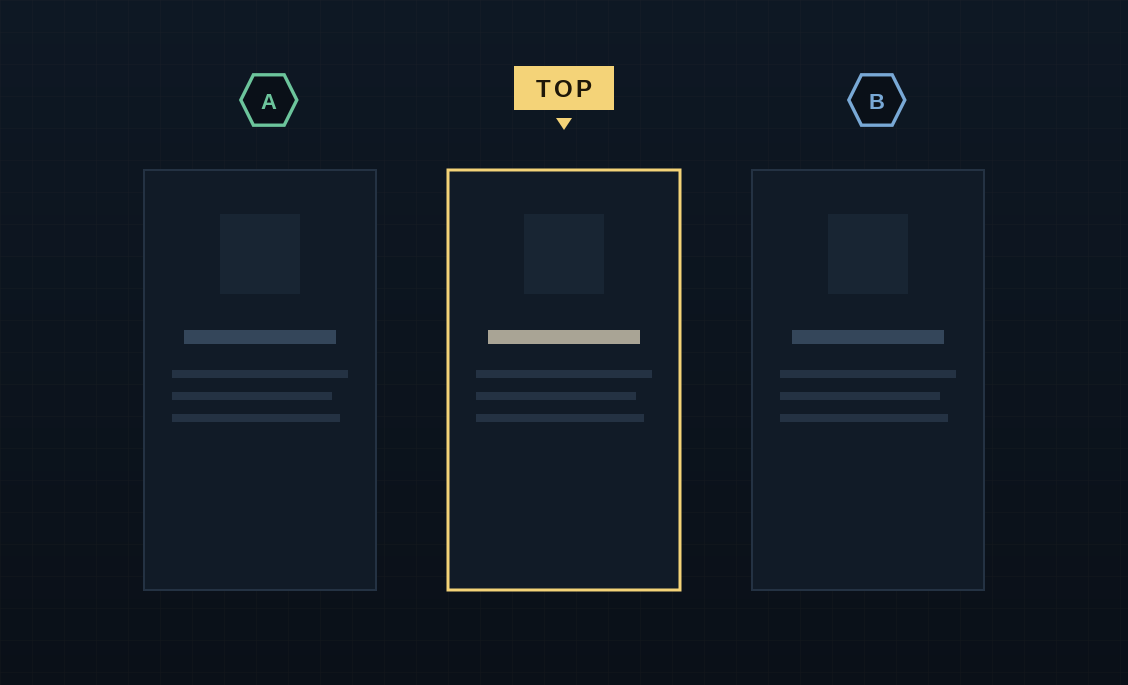
Your champion’s kit, current augments, items, and lobby can change which option fits.
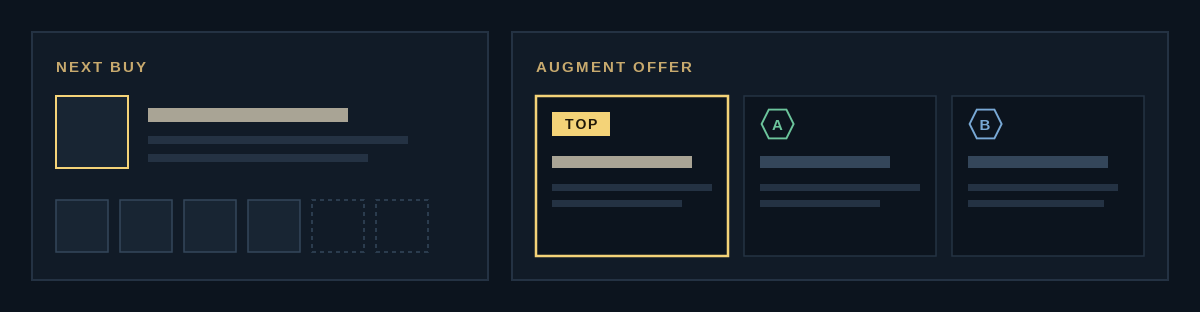
Compare the available options on the overlay.
Open the desktop app to see how an option fits your champion and current build.
No key or separate Outspec account is needed for build browsing or live advice. You can add your own key if you want to sync personal match history.
Turn off In-game overlay in Settings to keep advice in the desktop app.
Use Borderless or Windowed in League for the overlay. Exclusive fullscreen can hide it.
Card recognition runs on your PC. Turn off Read League window to enter offers by hand. Read the privacy notice.